Set up monitor alerts
Monitor alerts notify you by email, SMS, Slack, Discord, Microsoft Teams, phone call, webhook, WhatsApp or the mobile app when a monitor fails, degrades, recovers, or its SSL certificate is about to expire.
You can create several alerts, each with its own channel, monitors and triggers, so the right people hear about the right issues.
ChannelsEmail, SMS, Slack, Discord, Teams, phone, webhook, WhatsAppTriggersFails, recovers, degrades, SSL expiringScopeOne alert can cover any number of monitors
How do I add a monitor alert?
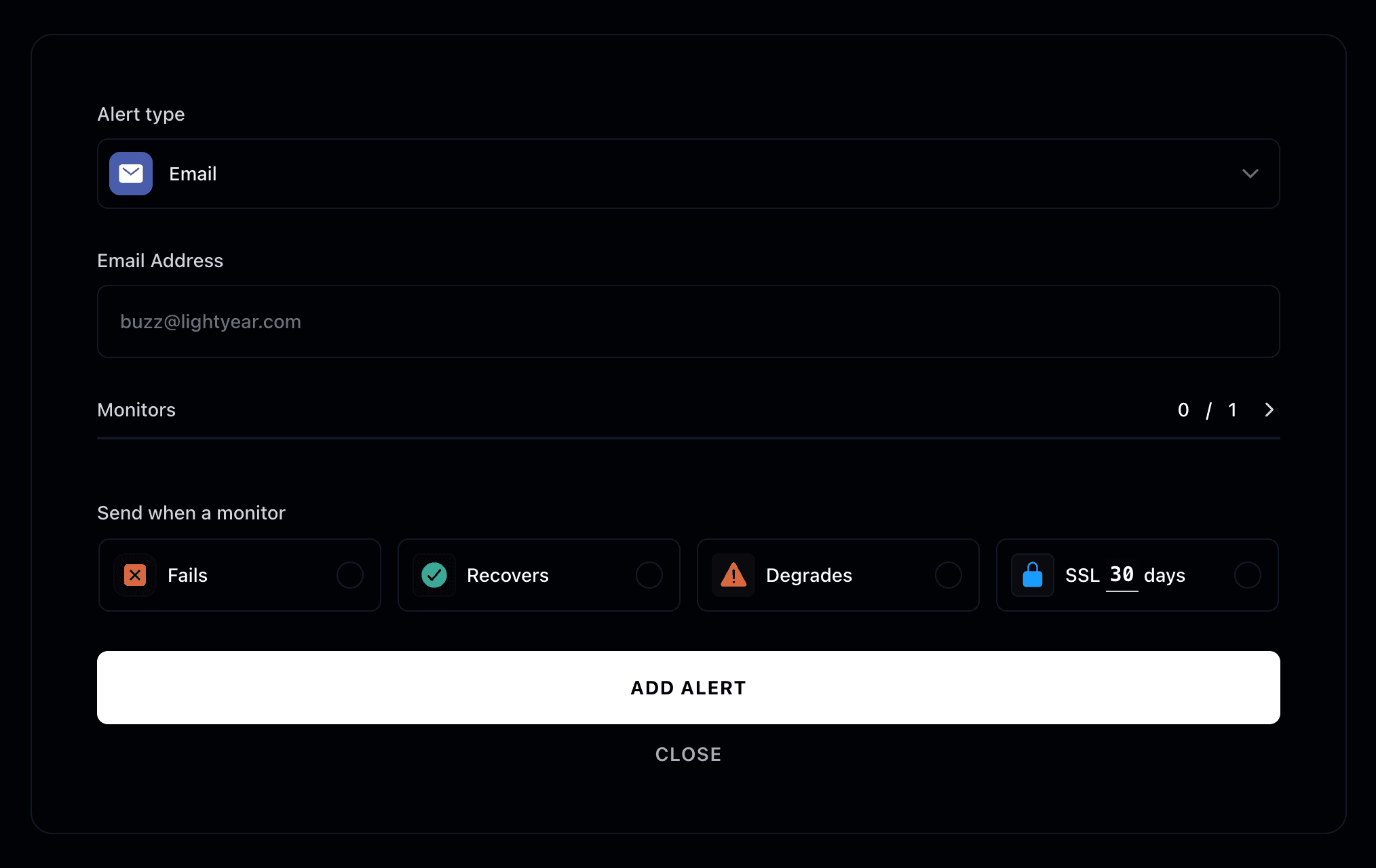
Create an alert by choosing a channel, selecting the monitors it covers, and picking the monitor states that should send it.
Which alert channels are available?
Alerts can be sent through any of these channels:
- SMS
- Slack
- Discord
- Microsoft Teams
- Phone call
- Webhook
- Mobile app
Monitors
Select the monitors that will trigger your new alert.
When is an alert sent?
An alert is sent when a selected monitor enters one of the states you pick:
- Fails - Your service is completely down or unreachable
- Recovers - Your service has returned to normal operation after a failure
- Degrades - Your service's performance has decreased below acceptable thresholds
- SSL expires - Your SSL certificate will expire in a specified number of days
You just added your first monitor alert! 🚨