Get started with Instatus On-call
Instatus On-call rotates your team through shifts so someone is always on call, and escalation policies re-route an incident to the next people when it is not acknowledged in time.
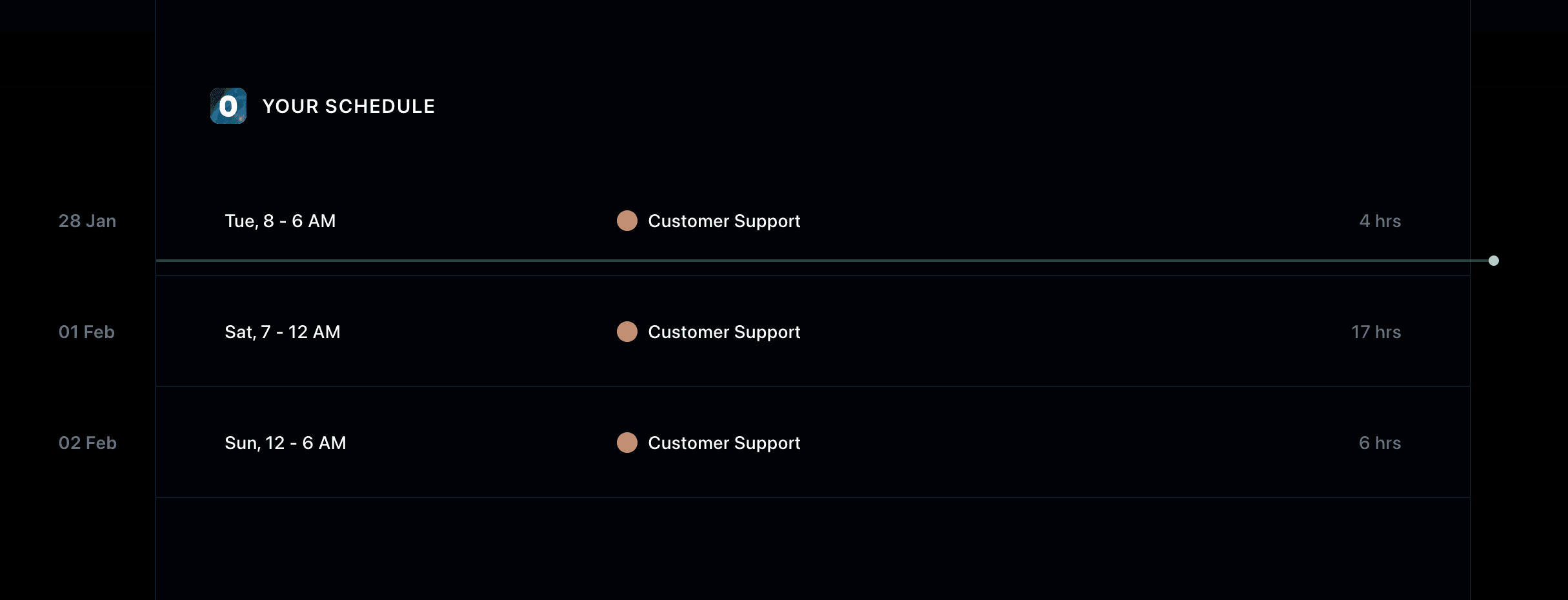
Where do I see my own on-call shifts?
The Your schedule view shows whether you are on call right now and lists your upcoming shifts.
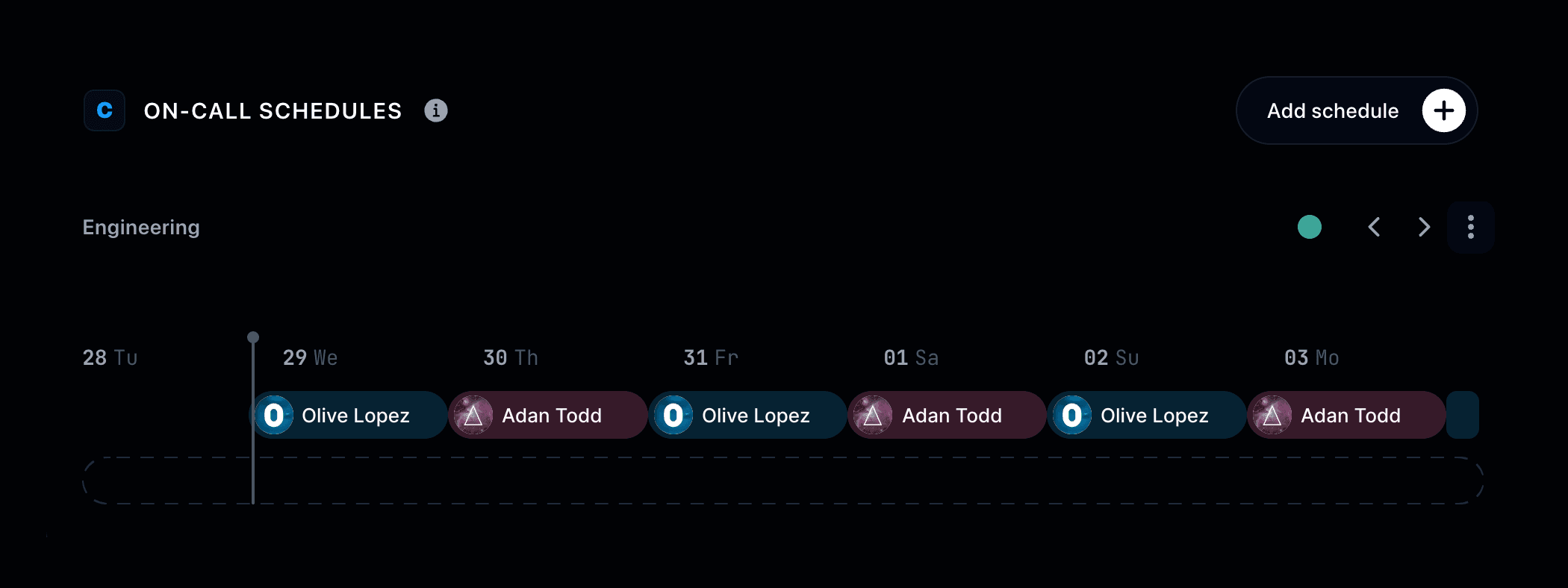
What are on-call schedules?
On-call schedules are team rotations shown as calendars, where you create and manage who is on call and when.
How do I add an on-call schedule?
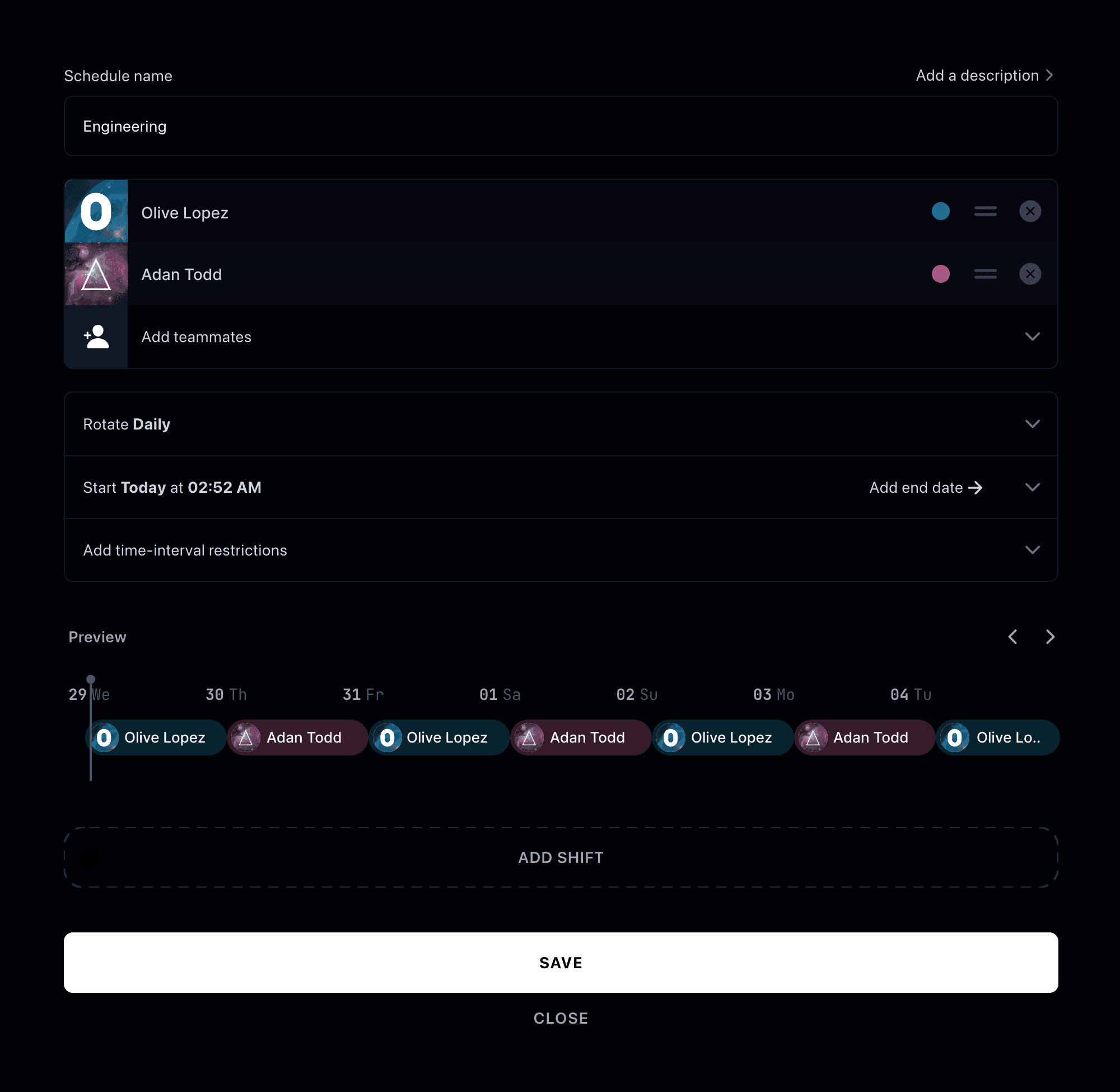
In On-call schedules click Add schedule, then set the title, the members on call, the rotation, the on-call period and any restrictions.
You'll see a preview in real-time of your schedule whenever you change any of these settings.
Finally, click Save to add your schedule.
What happens if nobody acknowledges an incident?
Escalation policies escalate an unacknowledged incident to the next people, with repeats and time-based rules. Learn how to set them up in Escalation policies.
How are incidents routed to a schedule?
Routing rules send triggered incidents to the right on-call schedules or escalation policies, filtering by impact, content, affected components and more. Learn how to set them up in Routing rules.